
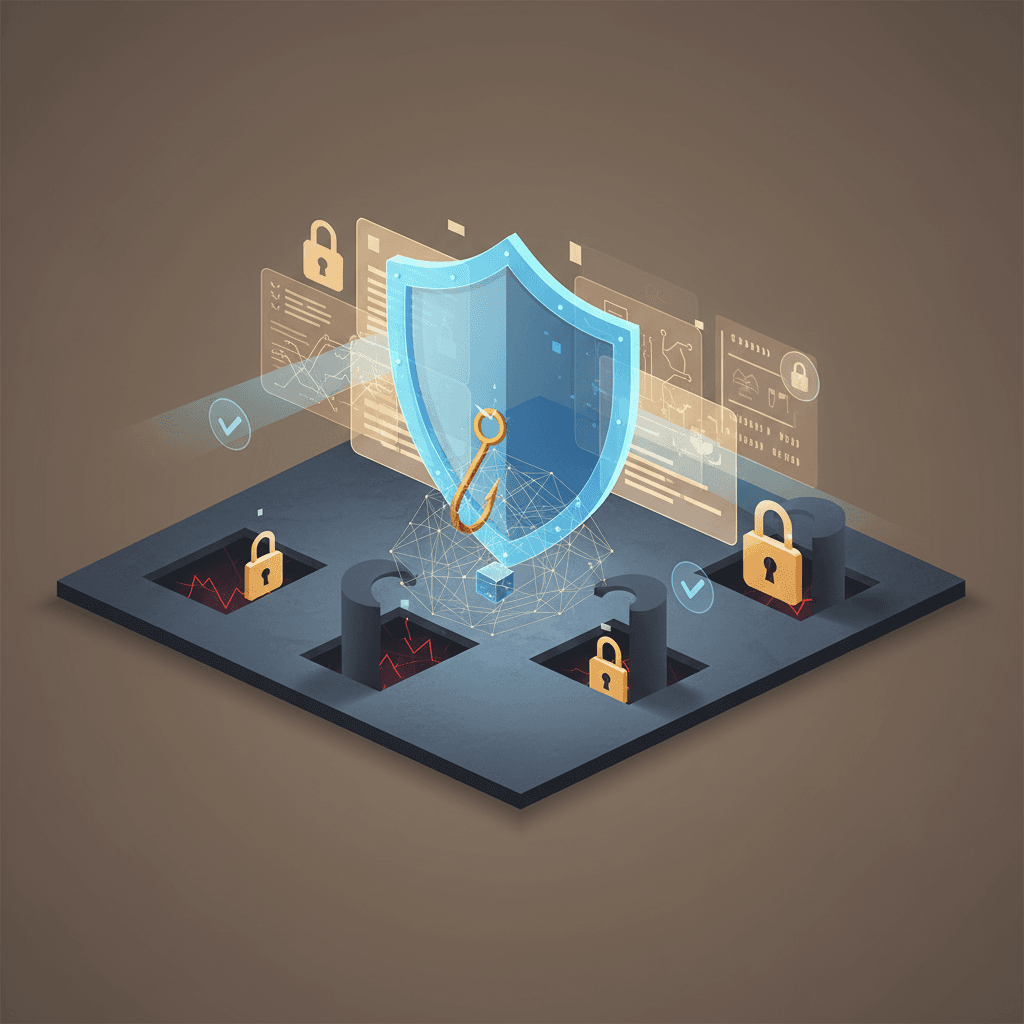
Phishing attacks are one of the most persistent—and successful—methods that cybercriminals use against crypto users. Unlike elaborate hacks or high-tech exploits, phishing is deceptively simple: tricking you into handing over sensitive information or approving harmful transactions. Almost everyone online has encountered some attempt, but the risks become much steeper when your crypto assets are at stake.
If you transact in crypto, you must know how these scams work, what warning signs to look for, and how to build layers of practical protection. This guide covers the essentials, offering step-by-step advice and checklists any crypto holder (from beginner to intermediate) can use today.
What Is Crypto Phishing and Why Is It So Dangerous?
Phishing is the practice of fraudulently obtaining sensitive information, usually by posing as a trusted source. In the crypto space, attackers may try to steal your wallet credentials, private keys, seed phrases, or even trick you into making dangerous transactions from your own account. While phishing has plagued internet users for decades, the irreversible nature of crypto transactions—there are no chargebacks or do-overs—makes this threat particularly severe.
Phishing comes in many forms. Emails, fake websites, text messages, social media direct messages, and even manipulated Google search results are all common delivery methods. For crypto, attackers only need you to slip up once. That’s all it takes to sign away funds, reveal your wallet backup phrase, or approve a malicious smart contract.
Some attackers cast a wide net with generic scams, while others use "spear phishing"—targeted attacks using personal information or context, making their bait far more convincing. Both approaches can empty crypto wallets in moments. That’s why understanding phishing is essential for digital asset safety.
- Crypto phishing aims to trick, not hack.
- Attackers often impersonate exchanges, wallet providers, or crypto personalities.
- Irreversibility of blockchain transactions gives no recourse for stolen funds.
Common Types of Crypto Phishing Attacks
Attackers constantly invent new twists, but most crypto phishing attempts fit a few established patterns. Knowing these classic traps makes it easier to recognize trouble before it costs you.
Crypto users are frequent targets for: email phishing, fake websites (spoofed exchanges or wallet apps), instant messaging and social media scams, scam browser extensions, and malicious mobile apps.
Let’s break down what these look like in practice.
- Email Phishing: Messages that pretend to be from your exchange or wallet provider, asking you to "verify your account," "reset your password," or warning of "suspicious activity." These usually have urgent language and a link to a fake login page.
- Spoofed Websites: Malicious sites mimicking popular exchanges or wallet interfaces, designed to harvest your login or seed phrase. Sometimes they appear as ads in search engine results.
- Fake Support Scams: Impersonators on social media or help forums offering to solve problems if you share private keys or approve wallet connections.
- Malicious Browser Extensions: Chrome/Brave/Firefox add-ons that masquerade as wallet tools or security utilities, but actually capture your credentials.
- Airdrop Scams: Promises of free tokens in exchange for connecting your wallet to a phishing site or entering your recovery phrase.
- QR Code Phishing: Sending QR codes that lead to fake addresses or scam dApps (decentralized apps).
Red Flags: How to Spot a Crypto Phishing Attempt
Defending against phishing starts with awareness. While some attacks are very sophisticated, most share a handful of telltale signs. Learning to spot these can protect you from making irreversible mistakes.
Always pause and examine any message, website, or prompt that asks you to provide sensitive information. Here’s what should raise your suspicion:
- Unsolicited Contact: Did you expect this email, DM, or text? If not, consider it suspicious.
- Requests for Private Keys or Seed Phrases: No legitimate service will ever ask for these. This is a dead giveaway.
- Urgency and Pressure: "Act now!" language is designed to bypass your critical thinking.
- Links or Attachments: Never click unknown links or download attachments from unverified sources.
- Poor Grammar and Visual Errors: Many phishing sites or emails have spelling mistakes, odd layouts, or low-quality images.
- Official-Looking But Off Domains: "coinbsae.com" instead of "coinbase.com". Subtle misspellings are common tricks in fake URLs.
Checklist: Practical Steps to Block and Avoid Phishing
It’s impossible to control all the tricks cybercriminals use, but you can stack your defenses by following some core practices. Think of each step as its own safety net—multiple nets give you more chances to catch an attack before damage is done.
No single action guarantees perfect safety, but together these steps can make you much harder to phish:
- Bookmark Official URLs: Always access exchanges and wallet providers by bookmarks—not search engines or email links.
- Double-Check Web Addresses: Before logging in or entering any sensitive data, inspect the web address for misspellings or strange characters.
- Never Share Secret Keys: Private keys, seed phrases, and wallet backup info should remain offline and never be typed or pasted into websites.
- Beware of Free Offers: If it seems too good to be true (airdrops, giveaways), it’s likely a scam.
- Use 2-Factor Authentication (2FA): Prefer authenticator apps over SMS, as phone numbers can be hijacked.
- Update Devices and Software: Keep your phone, browser, and wallet apps up to date to prevent exploitation of old bugs.
Browser and Device Hygiene: Strengthening Everyday Defenses
While awareness and skepticism are essential, your technology setup can greatly reduce phishing risk. Think of your browser, computer, and mobile device as front-line defenders. If you use outdated software or install shady extensions, you create more openings for attackers—regardless of how sharp your instincts are.
Take these technical steps to close common doors phishing schemes exploit:
- Browser Profiles: Use a dedicated browser profile for crypto, separate from your general browsing.
- Review Extensions: Remove any browser add-ons you don’t need, especially those with access to web pages or your clipboard.
- Use Reputable Wallet Apps: Only download official wallet apps (MetaMask, Trust Wallet, etc.) from known sources.
- Secure Operating System: Update your OS regularly and avoid using devices with expired security support.
- Turn On Anti-Phishing Features: Many modern browsers and password managers alert you about suspicious sites—enable these options.
- Avoid Public Wi-Fi for Crypto Transactions: If you must use public networks, use a virtual private network (VPN).
If You’ve Been Phished: What To Do Right Away
Sometimes, despite our best efforts, attackers succeed. If you suspect you’ve fallen for a phishing trick, quick action can limit the damage. While blockchain transactions can’t be reversed, acting promptly may help you minimize further losses and warn others.
Here’s what to do immediately if you think your account or wallet may be compromised:
- Disconnect Wallet: If you approved a suspicious transaction or connected a wallet, disconnect it from the site or app.
- Transfer Assets: Move funds to a new, uncompromised wallet as soon as possible.
- Change Passwords: Update passwords on all crypto-related accounts (email, exchange, wallet) using a device you know is clean.
- Enable (or Re-Enable) 2FA: If not already on, do this right away.
- Notify Platforms: Contact your exchange or wallet provider to report the breach—they may be able to help lock accounts or block further suspicious actions.
- Warn Your Contacts: If a scammer gained access to your accounts, notify friends and connections in case the attacker attempts to phish them as well.
Safe Communication: Handling Help Requests and Support
Phishing attacks often target users who are already vulnerable—especially when seeking help from a wallet or exchange provider. Imposters pose as official support on forums, Twitter, Discord, or Telegram. Interacting with these fakes can lead you directly into a scam.
Here’s how to safely navigate requests for support or technical help:
- Ignore DMs Promising Help: No legitimate service initiates direct messages offering support without you first making contact via official channels.
- Check Verified Accounts: Look for blue checkmarks and official handles—and cross-verify via the company’s website.
- Do Not Share Remote Access: Never install screen sharing or remote control apps (like TeamViewer) when asked by “support.”
- Double-Check Public Forum Links: Only use contact methods and web forms from official websites.
Staying Informed: Evolving Threats and Reliable Resources
Crypto phishing schemes constantly evolve as attackers adapt to new defenses and trends. As a user, continuous learning is one of your most resilient forms of protection.
Make it a habit to monitor official news from your exchanges and wallet providers. Many offer regular security updates or maintain scam warning pages. Consider joining community alerts—Reddit, Discord, and certain industry blogs quickly surface new threats circulating in crypto.
Finally, don’t skip regular check-ins on your own habits. Use safety guides, review your bookmarks, and periodically reassess which permissions and accounts you commonly use.
- Follow official exchange/wallet blogs or security pages.
- Join reputable crypto communities that post scam and phishing alerts.
- Bookmark resources like MRMPBS for updated safety practices.
Frequently asked questions
Can I recover crypto lost to phishing?
Unfortunately, once funds are transferred on the blockchain, the transactions are nearly always irreversible. Some exchanges may freeze assets if contacted immediately, but this is rare. The best protection is prevention—learn the red flags and defenses before an attack.
Is using a hardware wallet a guaranteed defense against phishing?
Hardware wallets add an important barrier, but they cannot protect you from approving malicious transactions if you’re tricked by a phishing site. Always verify what you are signing or approving, even when using a hardware or cold wallet.
How often do I need to update my anti-phishing practices?
Threats in the crypto ecosystem evolve constantly. Review your safety habits and learn about new phishing tactics at least every few months, and always when starting on a new platform or using a new wallet.
Conclusion
Phishing remains one of the most common and effective ways digital assets are stolen—not because crypto is fundamentally unsafe, but because humans are the targets. However, awareness, concrete security habits, and technical precautions go a long way.
As you navigate the crypto space, remember: don’t trust, verify. Question every request for sensitive info. Use official channels, strong passwords, 2FA, and keep your guard up—especially when something seems urgent or too good to be true.
Revisit this guide whenever you need a refresher, and share it with anyone just getting started in crypto. The more prepared you are, the smaller the target you present to phishing attackers.
Related reading
- Crypto Security Hygiene: Essential Daily Habits for Keeping Your Funds Safe
- Understanding Crypto Wallet Addresses: What They Are and How to Use Them Safely
Disclaimer: This content is for educational purposes only and should not be considered financial or investment advice. Always do your own research before making financial decisions.