
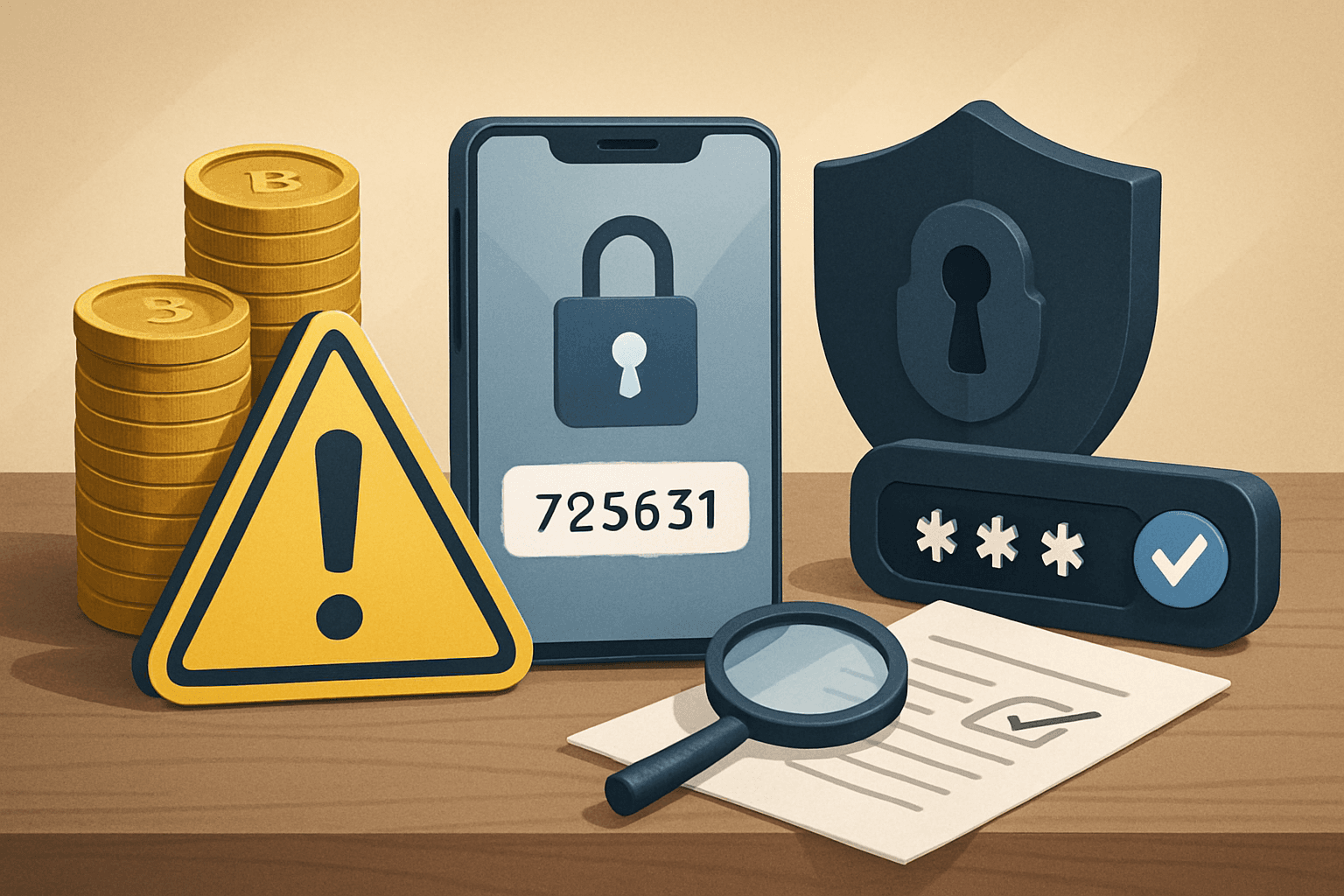
Criminals and scammers target cryptocurrency users with one primary goal: to gain access to your accounts and wallets. Once they’re in, your funds can vanish in moments, and in many cases, there’s no way to recover your losses. Passwords alone are no longer enough to protect your crypto.
That’s why two-factor authentication (2FA) has become a must-have security measure for everyone in crypto, no matter your experience level or portfolio size. But what is 2FA? How does it work, and how should you set it up to maximize your protection without locking yourself out?
This guide walks you through the basics and beyond. You’ll learn why 2FA is so effective, the different types worth knowing, step-by-step setup instructions, and common mistakes to avoid. Let’s put practical crypto security into your hands.
What Is Two-Factor Authentication in Crypto?
Two-factor authentication, or 2FA, is an extra layer of security that requires you to provide two forms of proof that you are the account owner whenever you log in or perform sensitive actions such as withdrawals. This means that even if someone discovers your password, they still need a second piece of information to get in.
Typically, the two factors are something you know (like your password) and something you have (like your phone or a special security device). Crypto exchanges, wallets, and apps commonly offer 2FA as an option, and many make it mandatory for critical actions.
In practice, 2FA dramatically reduces the odds of unauthorized access because a thief would need to steal both your password and your second authentication method. This is especially important in crypto, where transactions are hard to reverse and stolen funds often disappear forever.
- Passwords can be compromised by leaks, phishing, or malware.
- 2FA requires attackers to bypass a second barrier—usually much harder.
- Nearly all major crypto exchanges support some form of 2FA.
Common Types of 2FA for Cryptocurrency Accounts
Not all two-factor authentication methods offer the same level of protection. Understanding your options helps you pick the right solution for your needs.
The most common types offered in the crypto world include:
SMS-based codes: After entering your password, you receive a one-time code via text message. While convenient, SMS is vulnerable to SIM-swapping attacks and interception. Many experts recommend avoiding SMS as your primary 2FA.
App-based one-time passwords (OTP): Apps like Google Authenticator, Authy, or Microsoft Authenticator generate a new code (usually six digits) every 30 seconds on your phone. These codes aren’t sent over the internet or phone network, which makes them more secure than SMS—but you must have access to your device to log in or recover your account if you lose access. Some backup options (like Authy’s cloud backup) exist, but always weigh convenience against risk exposure carefully before enabling backups anywhere online or in the cloud.
- SMS codes: Least secure, prone to SIM-swapping.
- Authenticator apps: More secure; depends on the safety of your device.
- Hardware security keys (like Yubikey or Ledger): Physical devices that authenticate via USB, NFC, or Bluetooth; extremely secure but require extra setup and a place to store the device.
- Backup codes: One-time-use codes you print or save as a last resort if you lose access to your 2FA device.
How 2FA Works: Step-by-Step in Crypto User Flow
Let’s break down a typical crypto login with 2FA enabled, so you know what to expect and what could go wrong.
1. You visit your crypto exchange, wallet, or app login page.
2. You enter your username or email and your password.
3. After the website confirms your password is correct, you’re prompted to enter a unique code generated by your authenticator app, received by SMS, or produced by a hardware key. This code verifies you’re physically in control of the second factor (your phone, device, or key). Only after providing both elements do you get access to your account or can confirm important transactions.
- If you lose access to your 2FA device, recovery can be difficult—keep backup codes safe.
- Some platforms require 2FA on withdrawals, account changes, or even logins from new devices.
- You may need to use both 2FA and email confirmations for some actions.
Setting Up 2FA: A Beginner’s Checklist
Implementing 2FA can sound intimidating, but most platforms make it user-friendly. Here’s how to set up app-based 2FA on a typical crypto account. Always follow the specific instructions for your exchange or wallet, but use this checklist as a starting point.
Find the 2FA or security section in your account settings. You'll usually see options for SMS, authenticator apps, or hardware keys. Avoid using SMS if possible.
Open your authenticator app (such as Google Authenticator or Authy) on your phone. On your crypto site, scan the QR code or manually enter the secret key provided. Your app will immediately generate time-sensitive codes for that account.
Enter a code from your app to confirm setup. Save the provided backup codes in a secure location—ideally on paper and stored somewhere only you can access. Never screenshot or email these backup codes if you want maximum safety.
- Write down backup codes—don’t store only on your phone or computer.
- Test your 2FA setup by logging out and back in before depositing funds.
- If possible, set up a second authenticator app or duplicate key as a failsafe.
Best Practices for Using 2FA in Crypto
2FA is only as safe as how you use it. Here are practical habits to make sure your accounts stay protected.
Never share your 2FA codes, backup codes, or app screenshots with anyone—not even with claims of support staff, family, or friends. Scammers are known to fake urgent requests using clever phishing techniques.
When installing authenticator apps, download only from official app stores, and keep them up to date. Avoid using the same device for handling sensitive email, exchange access, and general browsing if you can—your phone’s security matters.
Keep your primary email account protected just as carefully as your crypto logins, since many exchange recoveries depend on email confirmation. Pair email accounts with strong, unique passwords and their own 2FA.
- Never reuse backup codes between accounts.
- If you lose access to your 2FA device, use your backup codes immediately and reset your second factor.
- Change your 2FA settings if you suspect your phone, computer, or authenticator app has been compromised.
- Only use hardware keys bought from reputable sources—not second-hand sellers.
- Watch for phishing sites imitating your exchange or wallet—always check URLs carefully.
Risks and Limitations: What 2FA Doesn’t Protect Against
While 2FA is a major step up from passwords alone, it isn’t a magic shield. Being aware of its limits helps you build better habits.
If a scammer tricks you into entering your 2FA code on a fake website (phishing), or overhears or intercepts it, they can still access your account. Likewise, if your device itself is hacked with sophisticated malware, even app-based 2FA may be at risk.
2FA doesn’t protect against social engineering: if you’re convinced to hand over your backup codes or are manipulated by someone posing as customer support, your funds remain vulnerable. In crypto, always be extra skeptical of any urgent requests involving your credentials or codes.
- Phishing attacks can bypass 2FA if you’re deceived by fake sites.
- Device malware may capture authenticator codes.
- Backups stored insecurely (like in email drafts) can be found by attackers.
- Losing both your device and your backup codes could lock you out of your own account.
2FA with Hardware Security Keys: Who Should Consider Them?
Hardware security keys, such as Yubikey or Ledger Nano’s FIDO/U2F keys, add a powerful physical barrier to your accounts. You insert or tap the device, often over USB or NFC, to confirm your identity. These keys are designed to be nearly immune to phishing and remote attacks.
If you trade larger amounts, hold significant balances on exchanges, or manage sensitive business accounts, a hardware security key is a worthwhile upgrade. That said, they come with extra cost and a bit more setup hassle.
Always register at least two keys if your platform allows. Store your secondary key in a different secure location as a backup in case you lose or damage your primary.
- Hardware keys are best stored with traditional valuables (safe, safety deposit box, locked drawer).
- Some older exchanges or wallets don’t support hardware-key 2FA—check before buying.
- Never buy used security keys.
- Label or document which key belongs to which account—physical confusion can cause headaches later.
Recovering Access: What If You Lose Your 2FA Device?
Losing your phone or hardware key can be stressful. Preparation is key: the more organized your backup process is today, the less likely you'll be locked out of your funds tomorrow.
Most exchanges and wallets provide backup codes during the 2FA setup process. These can be entered if you lose your primary 2FA device. If your platform allows, consider setting up two authenticator apps or registering multiple hardware keys. Never rely on only your phone.
If you’re locked out and have no backup codes or device, the recovery process can be lengthy. Some services require ID verification, support ticket submissions, or video calls, and not all requests succeed. Keep your backup options current as your accounts grow more valuable.
- Print and store all backup codes in at least two secure, separate locations.
- Practice account recovery steps before you need them.
- If using hardware keys, keep second keys and any required PINs/passwords written offline.
- Do not store backup codes in the same place as your main device or wallet.
Frequently asked questions
Is 2FA mandatory for all crypto exchanges?
No, 2FA is not universally mandatory but is strongly recommended and required for withdrawals or security settings on most major exchanges. Always enable 2FA where available.
What’s the safest type of 2FA for crypto users?
Authenticator apps and hardware security keys are generally safer than SMS-based 2FA. Hardware keys offer the highest protection but require careful setup and backup.
Can I use the same 2FA app for multiple accounts?
Yes, authenticator apps can generate codes for many accounts, but make sure to back up each account’s recovery codes separately in case the app or device is lost.
What should I do if I get a 2FA code request I didn’t expect?
Stop and review any recent activity. Do not enter your code. This can mean someone has your password and is trying to access your account. Change your password and review your security settings immediately.
Conclusion
In the cryptocurrency world, strong defenses are your best investment. Two-factor authentication is one of the simplest, most effective steps you can take to protect your assets and peace of mind.
By understanding your options, setting up 2FA properly on every account, and keeping backup methods safe, you make it vastly harder for threats to succeed. No security tool is perfect, but with careful planning, you put the odds in your favor—and keep control over your crypto.
Ready to take the next step? Review your critical accounts and add 2FA today. Your future self will thank you.
Related reading
- How to Back Up Your Crypto Wallet Safely: Step-by-Step Protection for Beginners
- Creating Strong, Safe Passwords for Cryptocurrency Accounts: A Step-by-Step Guide
Disclaimer: This content is for educational purposes only and should not be considered financial or investment advice. Always do your own research before making financial decisions.